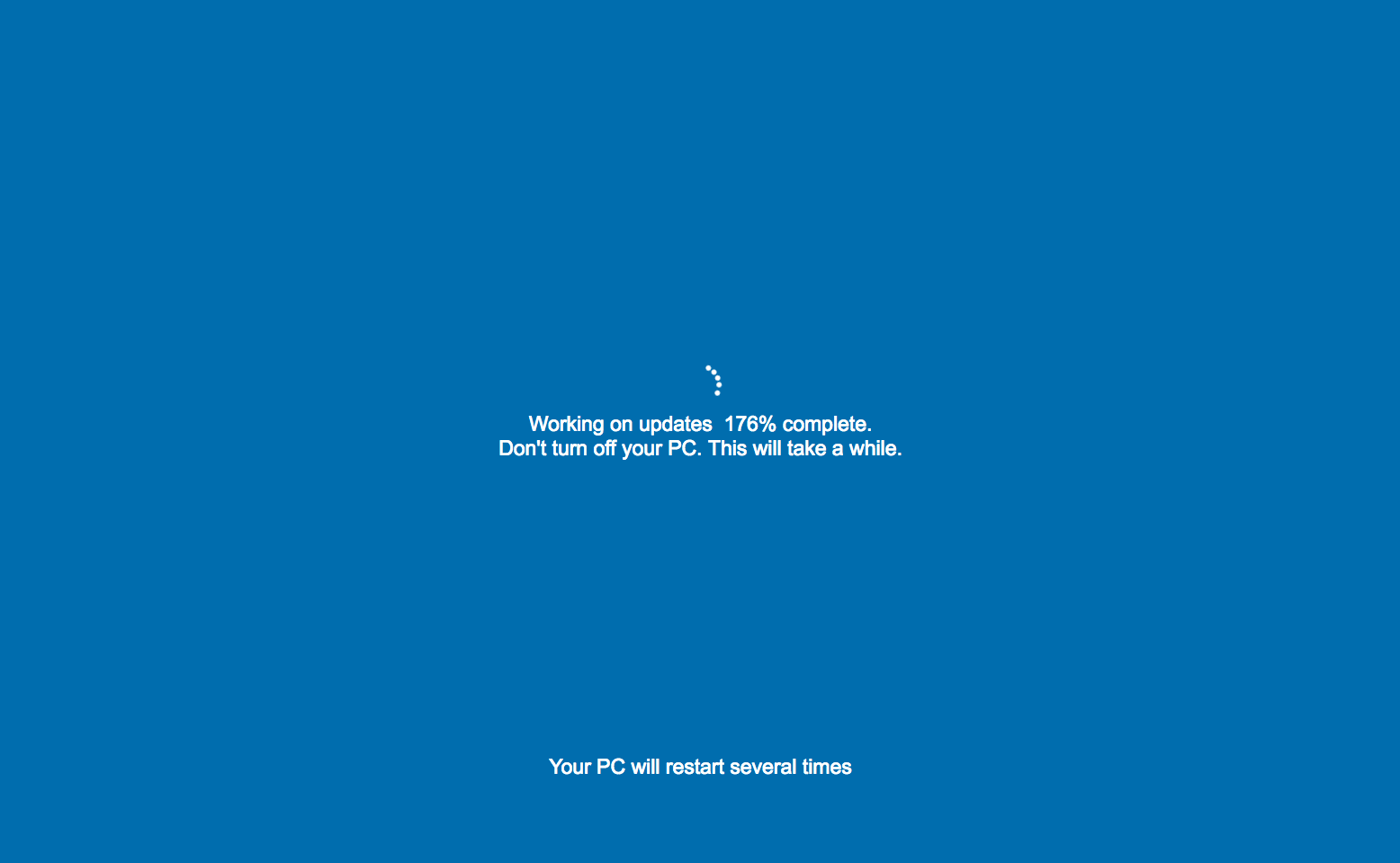
Fed up with those never-ending Windows updates? Here’s a quick and easy trick to make any computer display a fake Windows or Mac update screen that keeps ‘updating’ long past 100%.
We’ve all been there: a Windows update appears, and it’s time to wait. But what if that wait became an endless joke? That’s exactly what happened when I found a web app that creates a fake update screen.
This app mimics the usual Windows or Mac update screen, but with a twist—the update never completes! My friend and I tested it on his mom, and as the fake screen dragged on, so did our laughter.
It was a harmless prank that turned an ordinary day into a hilarious memory. The fake Windows update reminded us that a bit of tech humor can be the perfect way to break the monotony of our digital routines.

Now it’s your turn to try it out on someone!
PC Instructions:
Go to http://fakeupdate.net/ and choose an update screen that you want to play on the victim’s computer.
Press F10 to enter full screen. If you have trouble in one browser (like Firefox) try another (like Chrome).
Mac Instructions (Works Best In Chrome and Safari):
Go to http://fakeupdate.net/ and choose an update screen that you want to play on the victim’s computer.
Click the “View” menu and select “Enter Full Screen”.
Click the “View” menu again and unselect “Always Show Toolbar In Full Screen”.
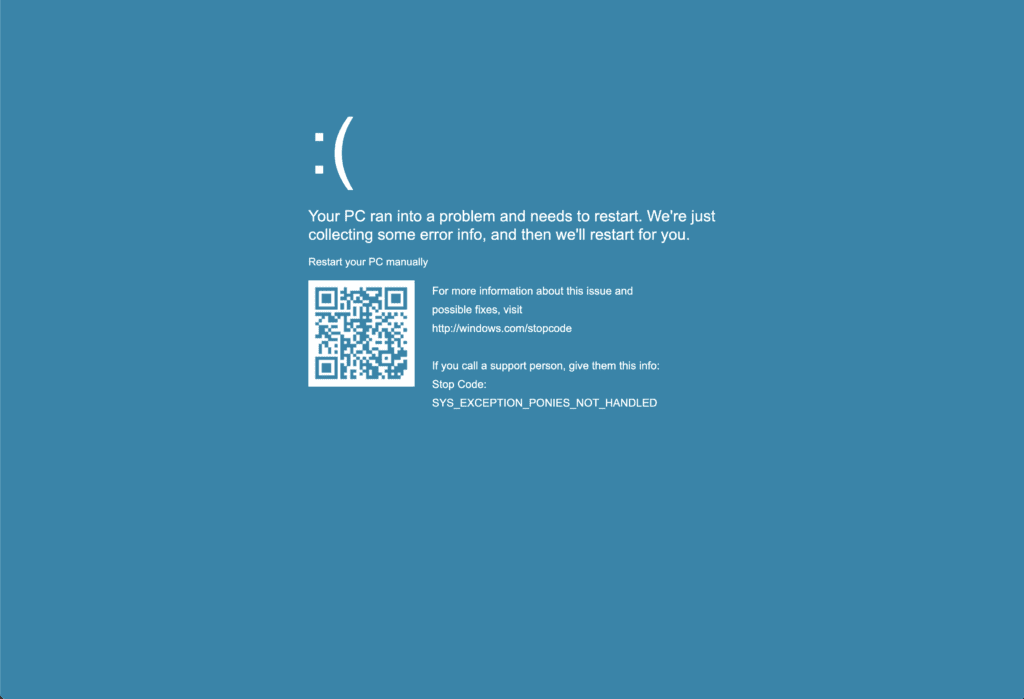
Bonus: If the victim hits the enter key on their keyboard, the fake update will “bluescreen”.
Please share your stories in the comments!