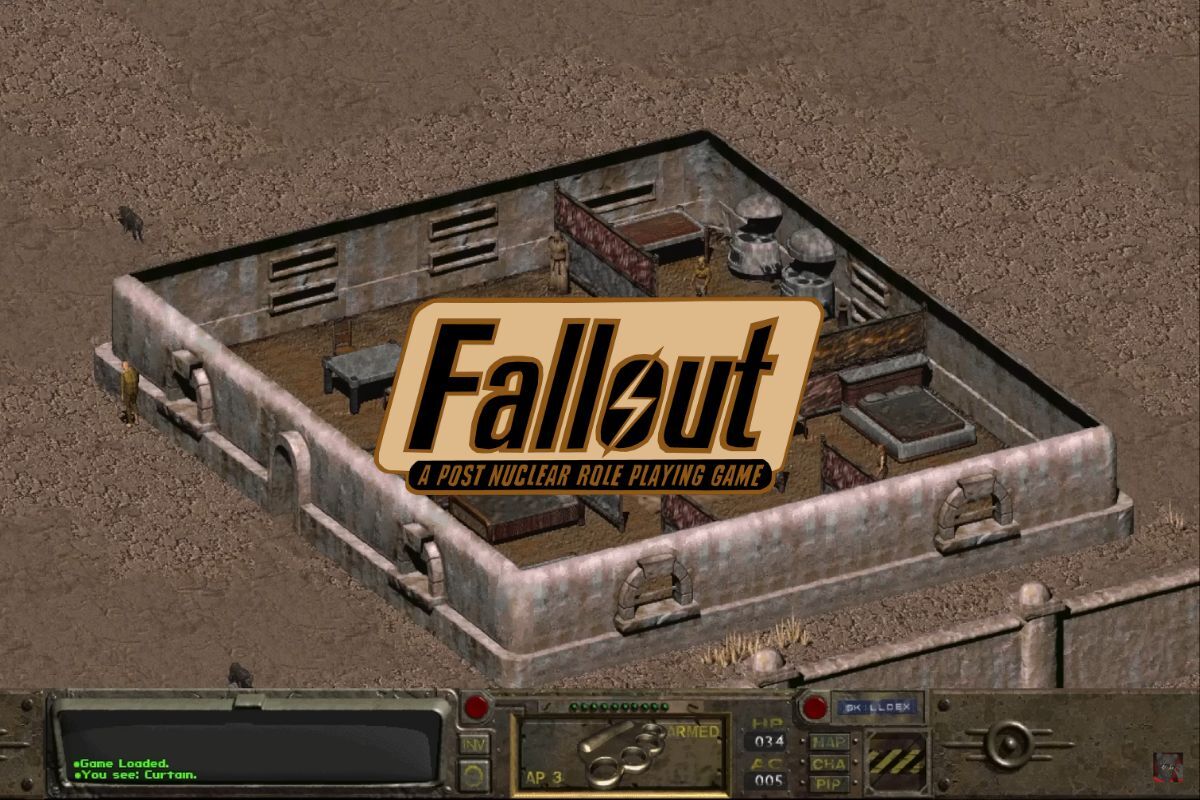
You might have played the newer Fallout games, exploring the post-apocalyptic U.S. from first- and third-person perspectives. But before the series became open-world, it all started with the original Fallout, a turn-based RPG where every choice has consequences.
Released in 1997, Fallout follows the Vault Dweller, sent into the wasteland to find a replacement water chip.
Fallout’s recurring themes include an underground bunker on the brink of ruin and Deathclaws with instakill abilities (on max difficulty). While it can be repetitive and downright frustrating, I love games that push my limits.
I put together this simple guide so you can play the original Fallout for free without leaving your browser. Plus, I’ve thrown in extra tips and tricks to help you survive the wasteland!

Play Fallout (1997) for Free Online
That’s right! You can play Fallout without leaving your browser. While I vouch for the Fallout series, if you’re casually browsing classic games, by all means, consider this a “free trial.”
Follow these steps to play Fallout online:
1. Go to BestDOS (Fallout).
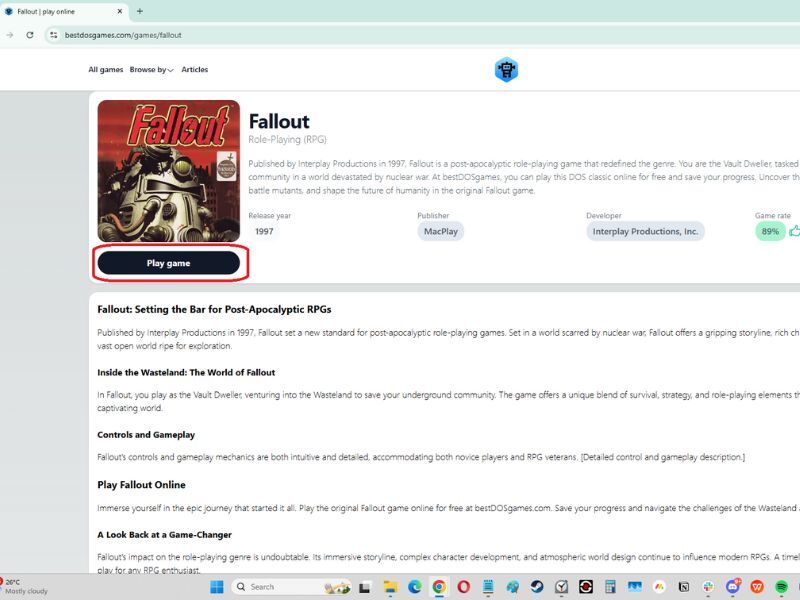
2. Click the Play Game button.
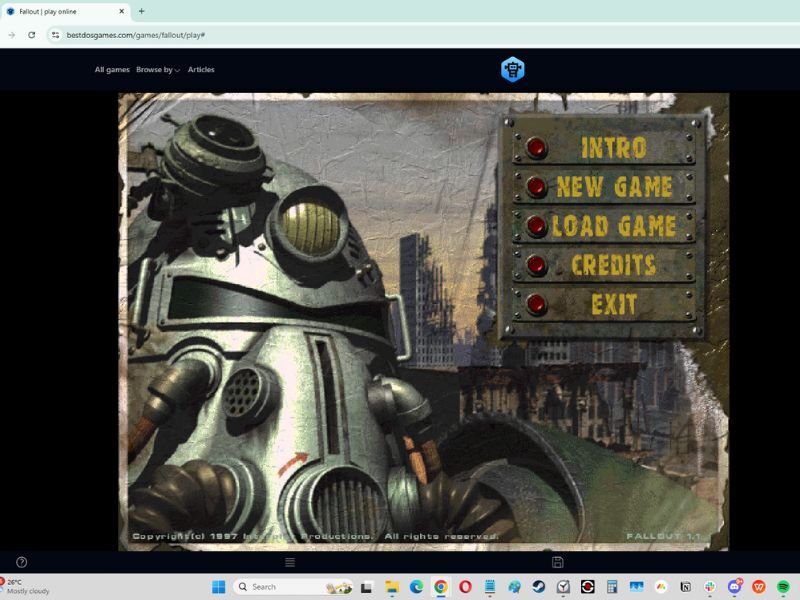
3. Wait for the game to load. Be patient, as it might take a while before you reach the main screen.
Once the game loads, you are ready to start playing. Good luck, and have fun!
Download and Play Fallout (1997) on Your PC
If you want to download and play Fallout (1997) locally on your PC, it’s available from several trusted online stores. Here are two popular options to legally get the game:
- Steam. Fallout (1997) is available on Steam as a standalone game or as part of the Fallout Classic Collection, which includes Fallout 2 and Fallout Tactics. Steam often discounts these games during sales so you can pick them up cheaply.
- Epic Games Store. While not always available, Fallout titles, including the original game, have occasionally appeared on the Epic Games Store during special sales or free promotions. Fallout is currently available at $9.99.
Top Tips for New Players
Playing Fallout (1997) can feel challenging for newcomers, especially if you’re used to modern Fallout games. Here are some essential tips to help you survive and enjoy the wasteland:
1. Understand the SPECIAL System. Your character’s stats (Strength, Perception, Endurance, Charisma, Intelligence, Agility, and Luck) directly affect your abilities and gameplay. For example, high Intelligence unlocks better dialogue options, while Agility improves your combat skills. Feel free to min-max your stats if you’re trying a specific playstyle or roleplaying.
2. Save Often in Multiple Slots. The game has no auto-save feature, and unexpected deaths or failed quests are common. Save before major battles, risky encounters, or important decisions.
3. Plan Your Time Wisely. The game has a time limit (150 in-game days) for the main quest to find the water chip. Be efficient in your exploration and avoid wasting too much time on unnecessary travel.
4. Invest in Speech. Dialogue plays a significant role in resolving quests. A high Speech skill allows you to negotiate, avoid combat, and unlock alternative quest outcomes.
5. Manage Your Inventory. Inventory space is limited by your Strength stat, so don’t carry unnecessary items. Prioritize ammunition, stimpaks, and weapons. Sell junk or unused loot at traders for bottle caps.
6. Use VATS Strategically. In combat, the Vault-Tec Assisted Targeting System (VATS) lets you target specific body parts. Aim for critical areas like the eyes or head for maximum damage.
7. Explore Every Location. The world is full of hidden loot, unique NPCs, and lore-rich areas. Exploring thoroughly can uncover powerful weapons, armor, and storylines.
8. Choose Your Battles. Combat can be challenging, especially early on. Avoid unnecessary fights with strong enemies like Super Mutants until you’re well-equipped.
9. Repair and Maintain Your Gear. Weapons and armor degrade over time. Monitor their condition and repair them when needed to ensure their effectiveness.
10. Learn from Your Mistakes. The game rewards experimentation. If you fail a quest or die, load a save, try a different approach, or adjust your strategy.
Got some interesting tips to share that I missed? Feel free to drop comments! If you want more old-school game suggestions at your fingertips, consider subscribing to our newsletter!